Just tried it again and had the same problem. Here is exactly what I did:
1. Load the background image (SelectorBKG.iff) in to PPaint. Accept its dimensions and colour depth (640x256x256)
2. Load the preview image (nebulus.png) as a brush, which appears with incorrect colours
3. Remap the colours of the brush, and it appears with correct colours
4. Save the brush as an ILBM using:
a. Compression
b. Screen Format
c. Both Compression and Screen Format
d. Neither Compression nor Screen Format
In all cases, it turns out something like this:
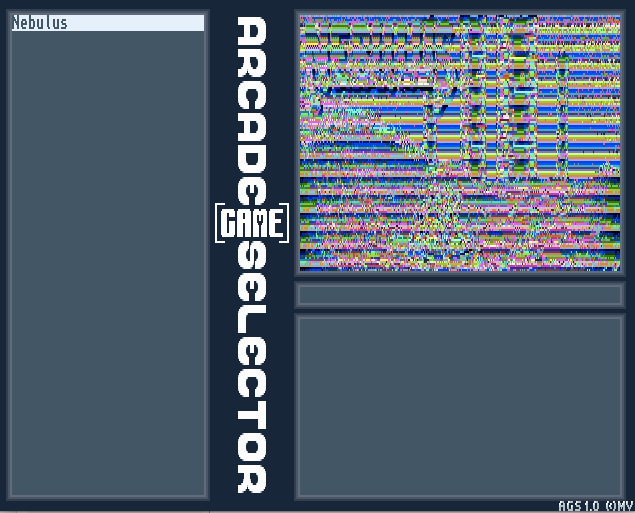
The image appears correctly if I open it in Multiview.
I'm wondering whether PPaint is saving in a format that AGS doesn't like? According to the AGS instructions, "name.iff should be a 320x128x8 bits image using the same palette as the background image". As far as I can tell, that's exactly what it is. :-?
--
moto

